| Accessory | What the evidence supports | Planning use |
|---|---|---|
| Phone case | Raised edges, shock absorption and a good grip are the features to look for. | Compare edge height and grip before colour or style. |
| Screen protector | Tempered glass offers superior protection compared with plastic, and a protector is still advised with a sturdy case. | Budget for it separately from the case. |
| Charging cable | USB-C is the most common connection and is widely used across phones, tablets, earbuds and handheld gaming devices. | Match the cable end to the phone’s port before anything else. |
| Wired fast charger | USB-C Power Delivery chargers can deliver substantially more power than standard wireless pads. | Choose it when charging speed is the priority. |
| Qi wireless pad | Transfers energy by electromagnetic induction and is often slower than a suitable wired fast-charging setup. | Choose it for convenience, not for speed. |
Case and screen-protector guidance here draws on an accessory roundup, and the charging points draw on a wireless-versus-cable charging comparison.
The best phone accessories are the ones that match your phone’s connector and charging method before anything else: a protective case with raised edges, a tempered glass screen protector and a USB-C Power Delivery charger cover most needs.
The sections below group accessories by the job they do and point to a deeper guide wherever one exists. Compatibility runs through all of them, because a plug that fits is not automatically a charger that suits the phone.
Protection: cases and screen protectors
A case and a screen protector do different jobs, so they work best as a pair rather than as alternatives. The case deals with the frame, corners and camera area. The protector deals with the glass. Most buyers get better value by choosing each for its own job than by hoping one product covers both.
Phone case features that protect best
No single case material or style is named as the winner in the supported guidance. What the guidance does name is a short list of features: shock absorption, raised edges and a good grip. That answers the question of which phone case type protects best in practical terms. The best protection comes from a case that combines those three features, so judge any candidate against them rather than against its brand or finish.
Raised edges deserve the most attention because they are recommended specifically to protect the screen and the camera, the two most expensive and most exposed parts of the phone. When comparing two cases, look at how far the lip stands above the glass and around the lens. Shock absorption suits people who handle their phone in busy places or carry it loose in a bag. A good grip addresses a different problem: it is about keeping the phone in your hand rather than absorbing the impact once it falls.
The guide to the best phone cases compares individual models on these criteria. Use this page to decide what to look for and that guide to choose between products.
Screen protectors and tempered glass
A screen protector is worth buying even when the case is sturdy. The supported guidance calls a protector essential even with a sturdy case to prevent scratches and cracks from accidental drops. So the answer to whether you need a screen protector is yes, and a robust case does not remove that need.
Tempered glass offers superior protection compared with plastic protectors. That makes it the default choice for anyone mainly worried about cracks. Plastic films are the other category on the shelf, and the comparison of tempered glass vs plastic screen protector options sets the two types side by side for readers who want to weigh them on more than protection alone.
Fitting matters as much as the material. A protector applied badly can trap dust or leave bubbles, which defeats the point of paying for good glass. The walkthrough on how to apply a screen protector without bubbles covers the fitting steps in detail.
Water and rough conditions
Some situations ask for more than a standard case. Beach days, boat trips and rain-soaked outdoor events are the obvious ones. A dedicated pouch is a separate product category from a drop-protection case, and it is judged on how well it seals rather than on edge height. The guide to the best waterproof phone pouch and rugged protection options covers that decision for people whose phone regularly meets water or hard use.
Charging: cables, chargers and wireless pads
Charging accessories are where compatibility matters most, because the connector, the charger and the cable all affect the result. The practical aim is simple: know which connector the phone uses, then decide whether speed or convenience matters more.
USB-C and charging cables
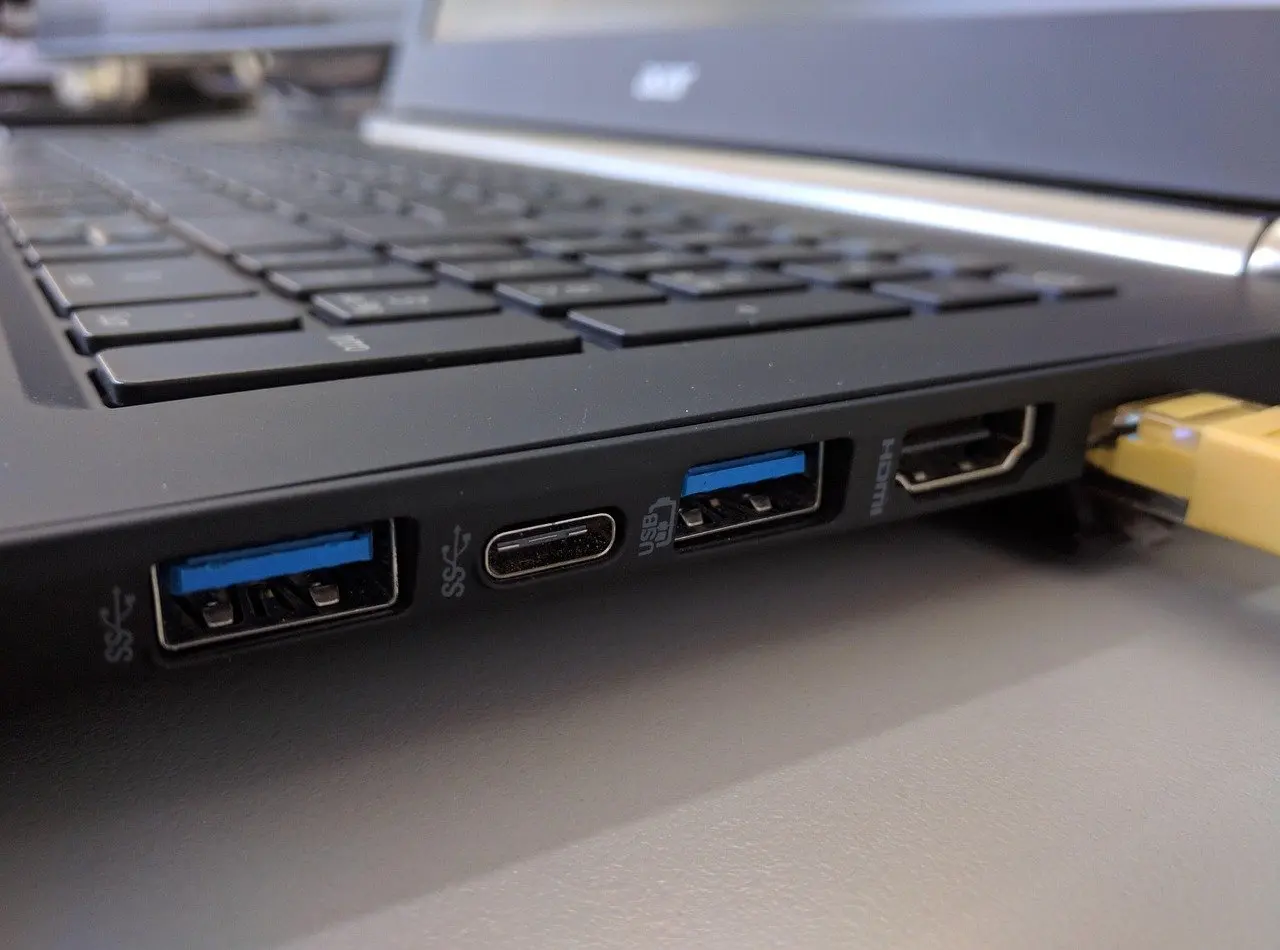
Cable charging sends power directly through a physical connection, most commonly USB-C. That connector has become the go-to connection for many Android phones, recent iPhones, iPads, earbuds, handheld gaming devices and accessories. A USB-C charging cable is therefore the sensible base for most households, since a single cable type can serve several devices and cut down the number of cables to carry.
Checking the phone’s own port is still the first step. A newer phone is likely to use USB-C, but an older model may not, and buying cables by assumption is the most common cause of mismatched accessories. The same check applies to earbud charging cases and other small devices that charge over a cable.
Using any charger with a phone
Not every charger is an equal match, even when the plug fits. Fitting the port is only the first test. Charging speed depends on whether the whole setup, charger and cable together, is suitable for fast charging. The comparison sources describe a suitable wired fast-charging setup as the benchmark that wireless charging is measured against, which implies an unsuitable setup will not reach it.
In practice, this means treating the charger and cable as one purchase. A spare charger from a drawer may refill the phone, but it is not a reliable route to quick top-ups. The guide to the best phone charger picks covers how to choose a charger that suits a given phone.
Fast charging
Fast charging is delivered by the wired route. Modern USB-C Power Delivery chargers can deliver substantially more power than standard wireless pads, which is why a wired fast charger is the better accessory when the phone is low and time is short. The word fast also belongs to the phone: a phone that does not support fast charging cannot use the extra capability, so a high-power charger is wasted money on it.
The sensible order is therefore to confirm that the phone supports fast charging, pick a USB-C Power Delivery charger, and pair it with a cable suited to that setup. Readers who want product-level comparisons can use the chargers guide linked above.
Wireless Qi charging against a cable
Wireless charging transfers energy through electromagnetic induction. A phone placed on a Qi pad charges without a plug, which is convenient at a desk or bedside. The trade-off is speed. Wireless charging naturally loses more energy during transfer, and that energy becomes heat. Even a fast wireless charger will often take longer than a suitable wired fast-charging setup, so wireless is slower than a cable in the typical case.
Heat also feeds back into speed: charging may drop if the phone is warm. A phone that has been running demanding apps may therefore charge more slowly on a pad than the same phone cool. For a quick top-up before leaving the house, a cable is the better tool. For topping up gradually through the day, a pad is a reasonable convenience. The guide to the best wireless charger for phone use covers specific pads.
| Criterion | USB-C cable | Qi wireless pad |
|---|---|---|
| How energy moves | Directly through a physical connection, most commonly USB-C | Through electromagnetic induction |
| Power available | USB-C Power Delivery can deliver substantially more power | Standard pads deliver less |
| Energy lost as heat | Less | More, because transfer is lossier |
| Typical speed | Fastest with a suitable fast-charging setup | Often slower, even with a fast wireless charger |
| Speed risks | Unsuitable charger or cable | Phone already warm |
| Best suited to | Quick top-ups | Convenient, unplugged charging |
The comparison above follows the published wireless-versus-cable analysis, with the final row offered as a planning judgement.
In the car and on the desk
Mounts, stands and in-car chargers keep the phone where it is used. They are mostly a question of fit, so the case the phone wears matters as much as the phone itself.
Car mounts
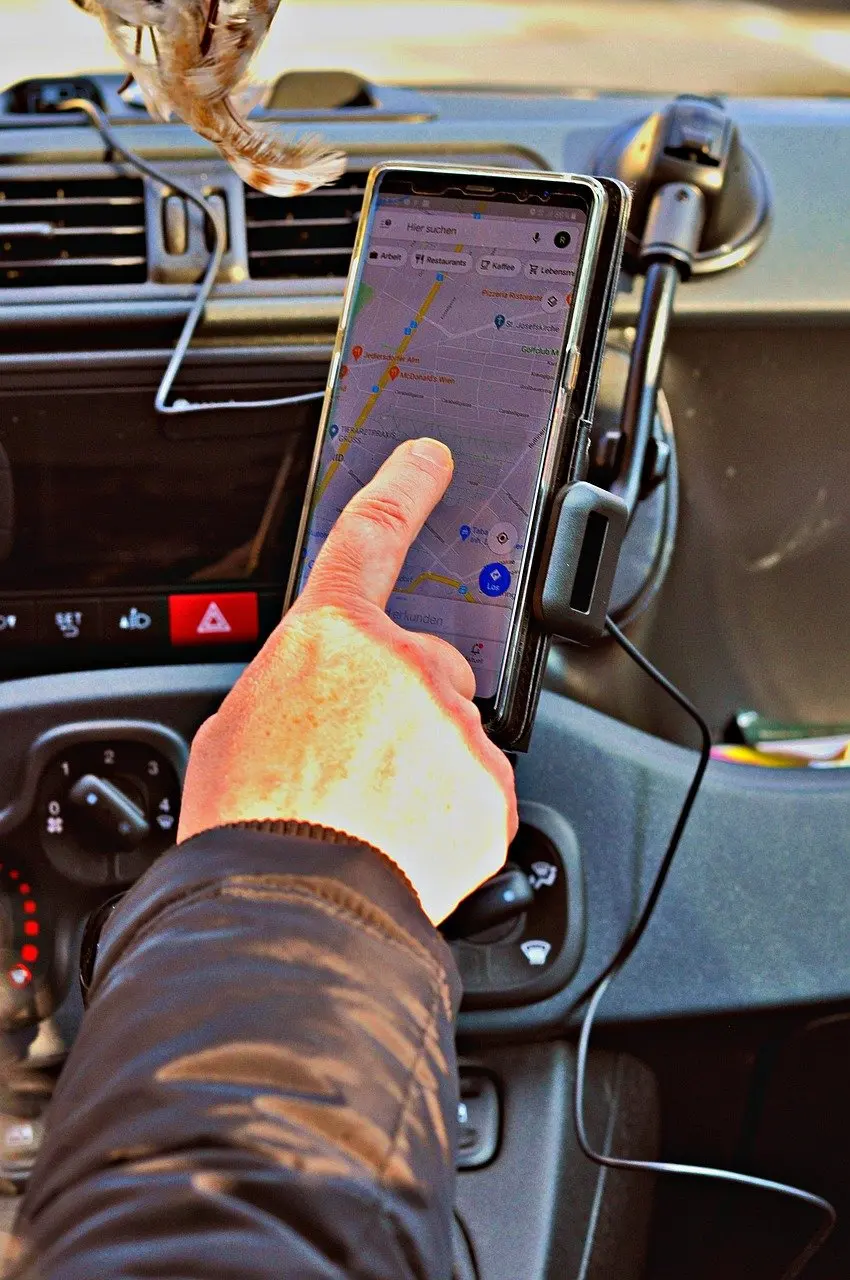
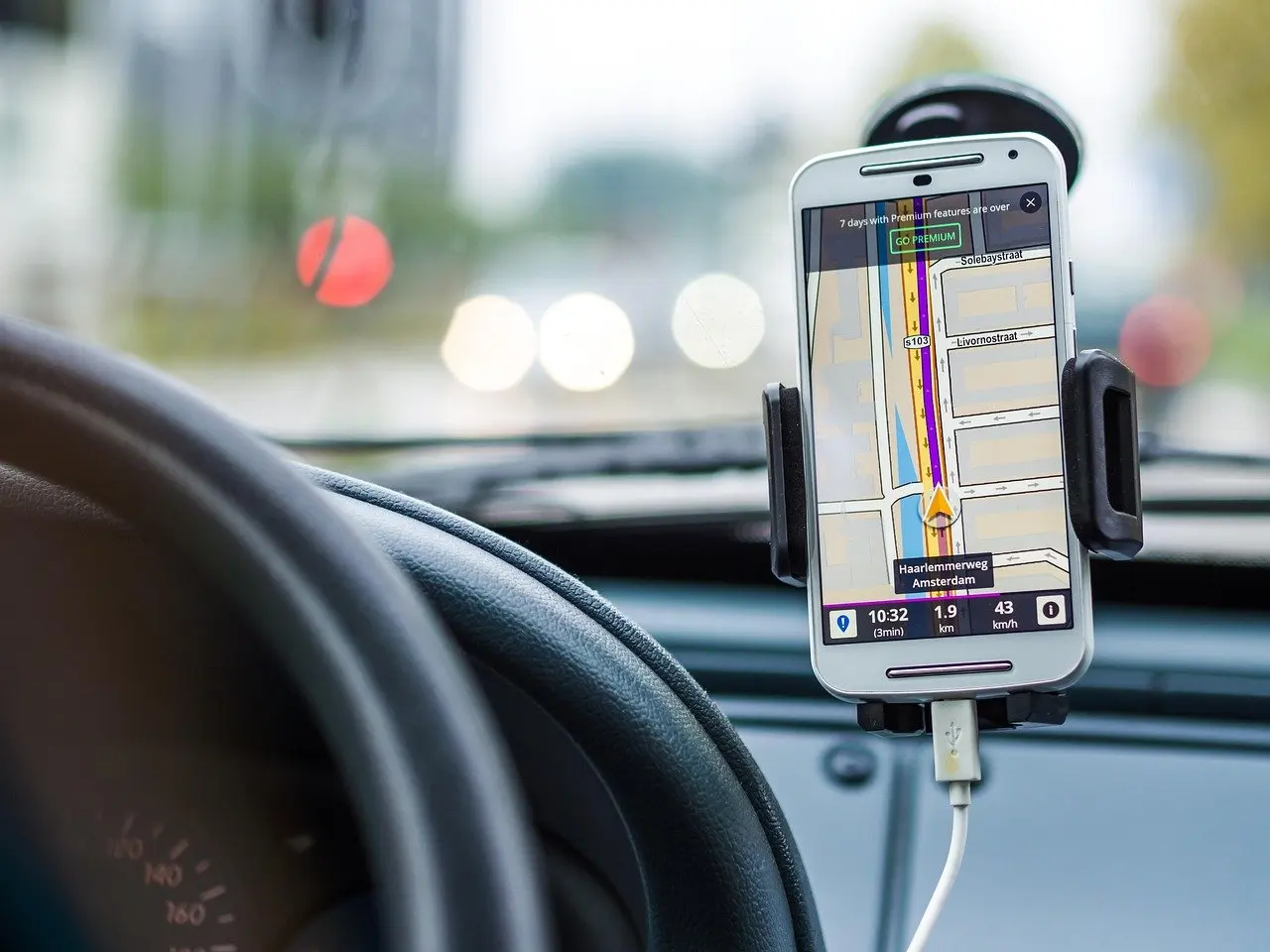
A car mount holds the phone for navigation, so it has to suit both the vehicle and the phone. Because the phone is held in its case, any mount needs to accommodate the case you actually use, not only the bare phone. The guide to the best car phone mount options compares holders by how they attach and what they hold.
Car charging
A phone running navigation is in use for the whole drive, so the car is where a charger earns its place. The same compatibility logic applies as at home: the cable end must match the phone’s port, and the charger and cable should form a suitable fast-charging pair. Readers choosing a plug-in unit can compare models in the guide to the best car charger for phone use.
Desk stands, grips and tripods
At a desk, a stand keeps the phone upright and visible during calls and video, and some desk docks combine a stand with charging. The guide to the best phone stand for desk use covers those options. For hand use, a grip or strap changes how securely the phone sits in the palm, which links back to the grip feature that protective cases also offer. The guide to the best phone grip choices compares them.
Photographers and video makers have a separate need: a steady base. A tripod or gimbal solves camera shake and frees both hands. The guide to the best phone tripod and gimbal options covers that decision.
Audio, tracking and performance extras
These accessories add capability rather than protect the phone. They are worth buying only when they solve a specific problem, and compatibility is again the main filter.
Wireless earbuds
Earbuds come with their own charging cases, and USB-C has become the go-to connection for many earbuds as well as phones. Choosing earbuds that charge over the same connector as the phone keeps the cable count down. The guide to the best wireless earbuds for android phones compares models for Android users.
Trackers, microphones and cooling
Bluetooth trackers help locate keys, bags and the phone’s own accessories, and Android users can compare options in the guide to the best bluetooth tracker for android phones. People who record audio or stream will find a better external microphone more useful than a better case, and the guide to the best microphone for smartphone use covers those choices.
Heat is the one theme that connects performance accessories to charging. A warm phone can charge more slowly on a wireless pad, so mobile gamers who also charge wirelessly have a real reason to care about temperature. The guide to the best phone cooler for gaming covers cooling and trigger accessories.
Where to start
Start with the accessory that fixes your most likely problem, then add others as needs appear. The decision bullets below match common situations to a first purchase.
- A bare phone with no protection. Buy a case with raised edges, shock absorption and a good grip, and a tempered glass screen protector alongside it. Neither replaces the other.
- Slow or unreliable charging. Check the phone’s port first, then replace the charger and cable together with a suitable USB-C Power Delivery pairing if the phone supports fast charging.
- A desk or bedside setup without cables. A Qi wireless pad suits this best. Accept slower charging in exchange for convenience.
- Heavy navigation use in a vehicle. Pair a mount with an in-car charger, and check that the mount accommodates your case.
- Several devices to charge. Standardise on USB-C cables where the devices allow it, since many phones, tablets and earbuds now use that connector.
- Specialist needs. Add tripods, microphones, trackers or cooling only when a specific task calls for them.
Frequently asked questions
Can a Qi phone pad charge a smartwatch?
Often not. Many watches use a brand-specific magnetic puck and cannot charge from a standard Qi phone pad.
Which cases work with wireless charging?
Most slim plastic, silicone and MagSafe-compatible cases work with wireless charging. A thick case covering the pad can reduce charging speed.
What does Qi2 add to wireless charging?
Qi2-compatible accessories bring magnetic alignment to an expanding range of devices, helping the phone sit correctly on the charger.