The best smartwatch for seniors detects falls automatically, calls for help without relying on a phone and is simple to read and operate. A cellular model with built-in GPS suits most.
Picture an older relative who lives alone, forgets to carry a phone from room to room and would never fiddle with menus after a fall. That person needs a different watch from someone who just wants step counts. For the wider buying framework, see how to choose a smartwatch. If the bigger question is whether a watch is worth buying at all, are smartwatches worth it covers it.
Shortlist at a glance
The choice comes down to how much help the watch summons by itself, and whether it works away from a phone. Five options cover the realistic range, from a cellular watch with an SOS button to a tracker with no fall alerts.
| Option | Fall detection | Location and connectivity | Planning use |
|---|---|---|---|
| LISTaRSw-style cellular watch | Automatic, with SOS alert to pre-recorded contacts | Cellular with built-in GPS; 1.47 inch screen; 7-10 days standby | Best all-round fit for independent living |
| Lively Mobile2 | Automatic | GPS, two-way voice | For people who want simplicity above all |
| Lifeline On-The-Go | Automatic | GPS, two-way voice, direct connection to monitoring staff | For families who want a trained responder in the loop |
| PAJ Easy Finder 4G | None | 4G real-time tracking, app-based | Location only; not a fall-alert device |
| Generic medical alert smartwatch | Varies | GPS varies | Check each listing line by line |
Figures come from a product listing for the LISTaRSw watch and a comparison of fall detection devices for independent living.
Cellular watch with SOS button and GPS
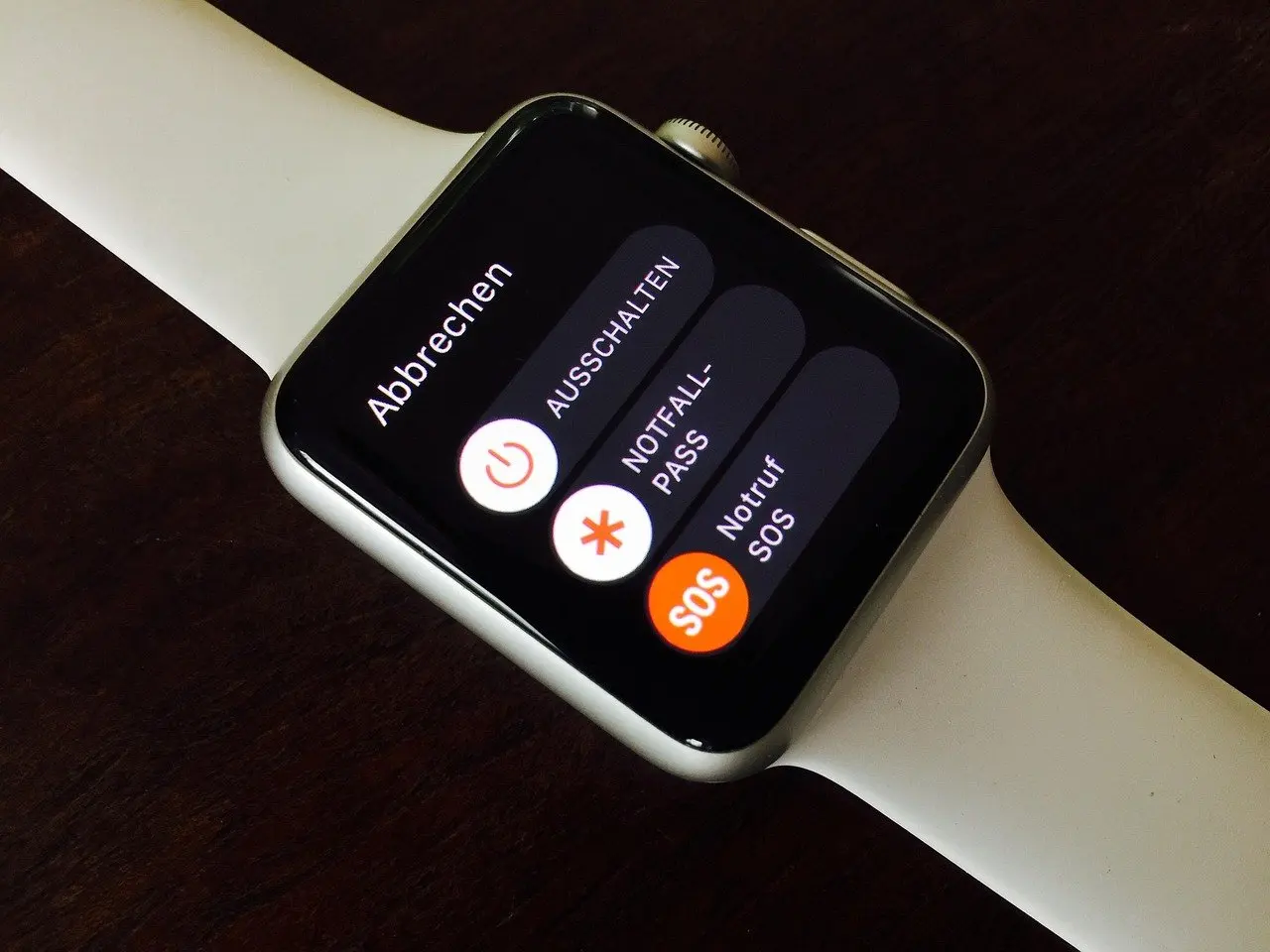
The LISTaRSw-listed watch is the closest match to the brief for most households. Its listing describes automatic fall detection that sends an SOS alert to pre-recorded emergency contacts, plus a one-touch SOS button and real-time GPS location through a mobile app.
It also lists cellular connectivity with built-in GPS, so the alert path does not depend on a phone being nearby. The listing still shows smartphone compatibility, which is how a caregiver follows location through the app. Its screen measures 1.47 inches, and the battery is a 600mAh cell with standby time of 7-10 days.
It suits someone who wants one device that can both raise the alarm and be found. The limit is that standby time is not the same as daily use. Real-world battery life with GPS and alerts active can be shorter, so plan a charging habit rather than counting on the top of the range.
Lively Mobile2 for simplicity
The fall detection comparison calls the Lively Mobile2 one of the strongest options for seniors who want something simple and wearable. It combines automatic fall detection, GPS and two-way voice.
That makes it the pick for an older adult who dislikes touchscreens and app menus. The trade-off is that a simplicity-first device is not built to be a general smartwatch, so anyone who wants notifications, apps or wider health tracking should look elsewhere.
Lifeline On-The-Go for monitored response
Lifeline On-The-Go adds a direct connection to monitoring staff to automatic fall detection, two-way voice and GPS location support, according to the same comparison. It is described as having medical-alert style reliability.
It suits families who live far away or cannot answer a call at any hour, because a monitoring team can respond. The cost of that arrangement is a subscription, and reviews of fall devices repeatedly cite subscription frustrations and activation issues. Ask what the monthly commitment is, and how activation works, before ordering.
PAJ Easy Finder 4G as a tracker only
The PAJ Easy Finder 4G offers real-time location tracking over 4G through an app, but the same comparison lists no automatic fall detection.
It fits a person who wanders or gets lost more than they fall. For someone at risk of falling at home, it leaves a gap, because help depends on the wearer pressing a button.
Generic medical alert smartwatches
Unbranded medical alert smartwatches look like ordinary watches, but the comparison shows that GPS and automatic fall detection both vary between models. A listing that says only “SOS” or “senior watch” does not confirm either feature.
Confirm automatic fall detection, a location function and the connection type in the product specification itself. Treat any gap as a reason to move on.
What fall detection does and does not do
Many wearables can now detect a fall automatically, even if the senior cannot press a button, according to the fall detection guide. That matters because the bigger danger after a fall is the delay in getting help.
It is a safety net, not a guarantee. Support for the feature varies by model, with some devices offering none, and reviews cite accidental alerts. A false alarm costs a phone call, while a missed fall costs time, so pick a device whose alert goes to a person who will respond. No evidence here supports treating any wrist sensor as proof that every fall will be caught.
Fall detection also does not replace an SOS button. The button covers the case where the wearer is conscious and can act, while detection covers the case where they cannot.
Screen, battery and ease of use
A larger screen helps older eyes, and the listed watch’s 1.47 inch display is a reference point for comparison. Look at the screen in person or in clear product photos, since size alone does not guarantee legible text.
Battery habits matter more than they seem. Some fall devices need daily charging while others last several days, per the comparison guide. A watch that sits dead on a charger offers no protection, so a multi-day battery is the better fit for anyone who might forget a nightly routine. The LISTaRSw listing’s 7-10 days standby is the kind of range to look for.

Comfort belongs here too. Wearable comfort is one of the factors the guide lists, because a watch left in a drawer cannot detect anything.
Caregiver visibility and phone dependence
Caregiver alerts work only if the family can see them. On the LISTaRSw model, SOS alerts go to pre-recorded emergency contacts, and location is viewable in real time through a mobile app, so a relative needs a compatible smartphone. Monitored services shift that job to staff instead.

The question of whether a watch needs its own cellular plan comes down to the model. Cellular watches with built-in GPS can call for help alone, while others rely on a paired phone or vary by listing. Reviews cite subscription frustrations and activation issues, so confirm costs and setup steps in advance.
Health readings versus safety features
Standard smartwatches show readings such as heart rate and steps, and some seniors enjoy them. These are secondary to alerting, because the main risk after a fall is delayed help. A watch with a rich dashboard but no automatic fall detection or SOS path solves a smaller problem.
Decision checklist
- Check automatic fall detection. Confirm it is listed, since it varies by model and some trackers lack it.
- Confirm a phone-free SOS path. Look for cellular connectivity and a clear SOS button.
- Verify location sharing. GPS and a way for family to follow it matter.
- Decide on monitoring. Choose between alerts to relatives and a staffed service.
- Test comfort and battery. Prefer a watch that lasts several days and that the wearer will keep on.
These steps mirror the five factors the guide says matter most: fall detection, GPS, comfort, battery life and monitoring options.
Frequently asked questions
What features matter most in a smartwatch for seniors?
Automatic fall detection, GPS, wearable comfort, battery life and monitoring options, per the fall detection guide. A simple SOS button and a readable screen come next.
Can a smartwatch detect falls reliably?
Many can detect falls without a button press, but support varies by model and reviews cite accidental alerts. Use it as a safety net alongside an SOS button.
Which watches are easy to use for elderly people?
The Lively Mobile2 is described as a strong option for seniors who want something simple and wearable. The LISTaRSw-listed watch offers an easy-to-use SOS button.
Does the watch need a phone or its own cellular plan?
The listed LISTaRSw watch has cellular connectivity with built-in GPS, so help does not depend on a nearby phone. Other models vary, and reviews flag subscription and activation issues.