| Watch family | Best fit | Phone condition to confirm | Planning use |
|---|---|---|---|
| Wear OS watches | Android owners who want a broad choice of brands on Google’s watch platform | The Android requirement on the maker’s page, and whether any feature is tied to the same brand’s phone | The default starting point for most Android phones |
| Garmin | Buyers comparing a dedicated watch brand against phone-maker watches | Garmin’s compatibility listing for your phone model and Android version | Shortlist alongside Wear OS options, not instead of checking them |
| Huawei watches | Huawei phone owners | Whether the companion app and extra features expect a Huawei phone | Strongest case when watch and phone share a brand |
| OnePlus watches | OnePlus phone owners | Whether pairing and extras work only with a OnePlus phone | Treat as a same-brand pairing until the maker’s page says otherwise |
Garmin is on this shortlist because it appears in ZDNET’s archived roundup, The best Garmin watches of 2025: Expert tested and reviewed. The compatibility checks in the other rows are the steps to confirm on each maker’s own page before buying.
The best smartwatch for Android depends on your phone’s brand and Android version. A Wear OS watch suits most handsets, while a same-brand watch can unlock extras that other phones may not get.
For wider buying criteria, see our guide on how to choose a smartwatch. This page focuses only on matching a watch to an Android phone.
Why the phone brand matters on Android
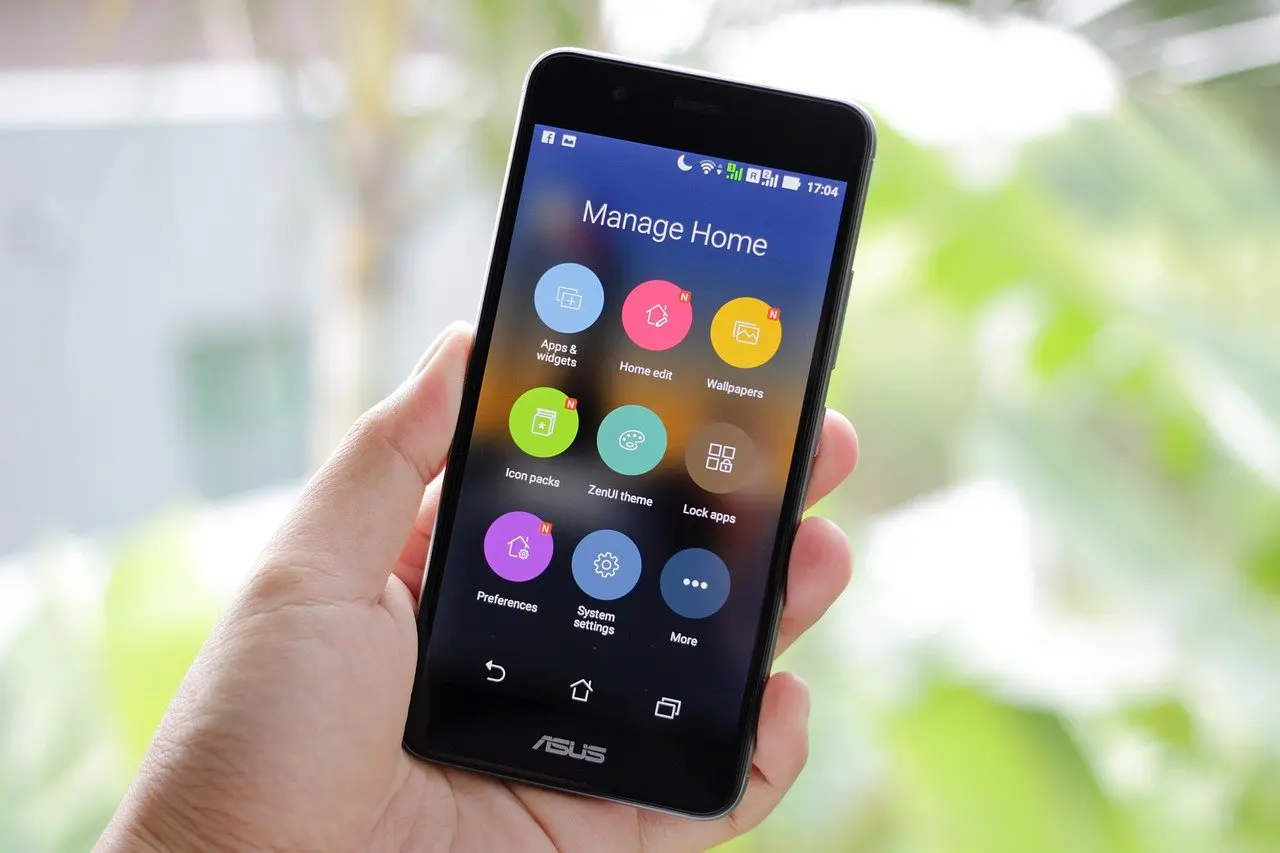
Android is not one uniform partner for a watch. Every phone maker adds its own software, and some watch makers build features around their own phones. The result is that a watch can pair with many handsets yet offer a fuller experience on one brand.
Separate three questions before comparing models:
- Basic pairing: whether the watch connects to your phone at all, which depends on the Android version the maker lists.
- Everyday features: notifications, apps and fitness syncing, which depend on the watch platform and its companion app.
- Same-brand extras: features a maker ties to its own phones, which can be absent when you pair with another brand.
A watch that passes the first test but fails the third can still be a good buy. It only becomes a poor one if you were buying for the extra feature. Read the maker’s feature list with your phone’s brand in mind.

Situation: you own a Pixel, Samsung or another mainstream Android phone
Wear OS is the first platform to check. It is Google’s watch software, and several brands build watches on it, so you can choose on design, battery and price rather than being tied to one phone maker.
The caveat is the same-brand rule. A Wear OS watch from your phone’s maker may work most smoothly, while one from another brand may leave out a few extras. Read the maker’s compatibility page for your exact phone model before buying.
- Choose a Wear OS watch if you want the widest range of models and an app-driven watch.
- Think twice if a headline feature is marketed as working with the maker’s own phones, because it may not reach yours.
- Best Wear OS watch for you is usually the one whose listed requirements match your phone and whose features you will use, not the longest spec sheet.
Situation: you own a Huawei phone
Huawei owners are the clearest case for matching brands. Huawei builds watches around its own companion software, so the sensible first move is to look at Huawei’s watch range and read what each model needs from the phone.
If you prefer a watch from another maker, check its compatibility page for your handset first. Do not assume that every Android phone is supported equally.
- Advantage of a Huawei watch: the watch and phone are designed within the same ecosystem, so the companion app is likelier to suit your handset.
- Trade-off: you narrow your choice to one brand’s range and give up the wider selection that other platforms offer.
- Check before buying: which features need the Huawei phone and which work with any phone.
Situation: you own a OnePlus phone
OnePlus owners have a similar choice. A OnePlus watch is the natural match for a OnePlus phone, and the maker’s page should state which features depend on that pairing. A Wear OS watch from another brand is also an option.
Compare the two routes on the features you will use daily. A same-brand watch is worth choosing when its pairing extras matter to you. If they do not, a watch from a wider platform offers more models to choose from.

- Pick the OnePlus watch if you want the simplest setup between two devices from one maker.
- Pick another brand if a particular design, strap or feature matters more than brand matching.

Situation: you want a Garmin
Garmin sits outside the phone-maker pattern. It is a watch brand rather than a handset brand, so there is no same-brand phone to match. ZDNET’s archived roundup, The best Garmin watches of 2025, is a useful comparison point when you weigh Garmin against Wear OS and phone-maker watches.
The checking step is the same. Look at Garmin’s own listing for your phone model and Android version, then compare the watch’s features with the Wear OS alternatives you are considering.
- Suits: buyers who want to compare a dedicated watch brand rather than follow their phone’s logo.
- Trade-off: a Garmin watch uses its own system, so you should confirm that the apps and features you rely on are supported.
Checking your Android version
Your Android version decides whether a watch will pair, so confirm it before comparing models. Open your phone’s settings and look in the System or About phone area, where the Android version is listed. The exact menu names vary by brand.
Once you know the version, compare it with the minimum on the watch maker’s compatibility page. Older phones are the usual risk. If your handset sits near or below the listed requirement, choose a watch whose page names your version explicitly rather than hoping it works.
- Version meets the requirement: continue and compare features.
- Version is borderline: look for another model whose listed requirements clearly cover your phone.
- Phone is older than every listed requirement: updating the phone, if the maker allows it, may matter more than the watch choice.
Situation: you are unsure a watch is worth buying
If you are still deciding whether to buy any watch, read are smartwatches worth it first. A brand-matched pairing does not help if the watch would sit in a drawer.
If you may switch to an iPhone in future, check how your shortlist behaves with that phone as well. Our guide on the best smartwatch for iphone not apple watch covers that side. A same-brand Android watch is the riskier choice if a platform switch is likely.
Quick decision guide
- Mainstream Android phone, no strong brand pull: start with Wear OS watches and read each maker’s page for same-brand features.
- Huawei phone: start with Huawei watches, then compare other brands only if their pages confirm support for your handset.
- OnePlus phone: weigh a OnePlus watch against a wider Wear OS choice on the features you will use.
- Want a dedicated watch brand: include Garmin on the shortlist and confirm compatibility for your phone and Android version.
Frequently asked questions
Which smartwatch is best for most Android phones?
A Wear OS watch is the usual starting point because several brands make them. Confirm the Android requirement and any same-brand features on the maker’s page.
Do I need a Huawei phone for a Huawei watch?
Not necessarily for basic use, but some features may expect a Huawei phone. Check the maker’s compatibility details for your handset before buying.
Is a OnePlus watch better with a OnePlus phone?
A same-brand pairing is the simplest setup, and some extras may depend on it. A watch from another platform can still suit you if you value choice over matching.
Does Garmin work with Android phones?
Garmin is a watch brand rather than a phone maker, so no matching handset is needed. Check Garmin’s own listing for your phone model and Android version.
How do I know my phone’s Android version is supported?
Look in your phone’s settings for the Android version, then compare it with the minimum on the watch maker’s compatibility page.