techoelite smart homes refers to the smart home guides on the Techoelite tech and gaming content site, which publishes articles, reviews, guides and deals.
| Label | Detail |
|---|---|
| Brand | Techoelite, a tech and gaming content site |
| Searched sense | Smart home guides and related articles |
| Where they appear | The home page lists several smart home titles |
| Typed address forms | The plain and www forms both land on the same home page |
| Contact route | The site has a contact page |
| Type of material | Guides, reviews and how-tos rather than a shop |
What techoelite smart homes means as a search
The phrase points to the smart home articles on Techoelite, a site that describes itself on its About page as a destination for games and tech, with game reviews and tech gadget coverage. People type it in several orders, and each one leads to the same place.
What is techoelite smart homes?
It is the smart home theme of a tech content site. The home page lists titles such as “TechoElite Smart Homes Only: Inside The Exclusive Smart Living Experience (2026 Guide)” and “Smart Homes Decoded: Techoelite’s 2026 Guide To Smarter, Safer Living”. A reader who searches the phrase usually wants to read those guides, not to buy a product from the brand.
Is “smart homes techoelite” the same thing?
Yes. “smart homes techoelite” is the same subject with the words reversed, and searchers also write “smart home techoelite” in the singular. Search engines treat these closely, and all of them aim at the smart home guides on the Techoelite site.
What does “techoelite.com smart homes” lead to?
People who type “techoelite.com smart homes” are usually looking for the site’s home page and then its smart home articles. Typing the address with or without www lands on the same home page, according to the address checks on the site. From the home page, the smart home titles can be found by name.
What counts as a smart home in these guides?
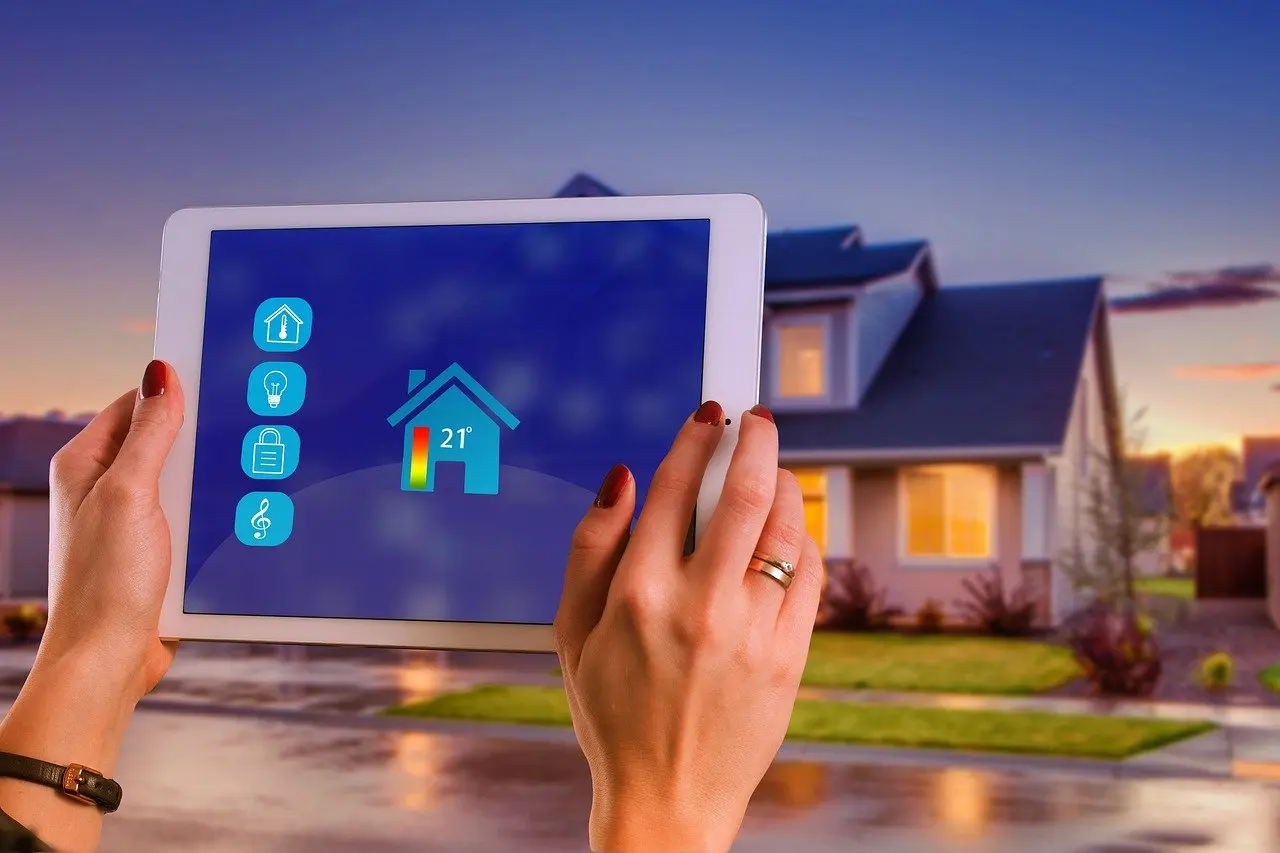
In general terms, a smart home links devices such as lighting, speakers, thermostats, cameras and locks so they respond to a phone, a voice or a schedule. One title on the home page, “The Integration of Smart Home Technology in Modern Gaming”, ties that idea to gaming gear. Another, “Gear For You: TechoElite’s 2026 Guide To Choosing Tech That Actually Fits Smart Home”, frames the topic around choosing devices that suit a home.
Costs and terms around techoelite smart homes
The smart home pages on Techoelite are articles, so the costs a reader meets are those of the devices the guides discuss, not a fee for the guides. Pricing for any device comes from the maker or the shop that sells it.

What does a smart home usually cost?
The total depends on how much of the home is connected. A single smart plug or bulb is a small purchase, while a full set of locks, cameras, thermostats and a central hub adds up quickly. The title “TechoElite: Build A High-End, Future-Proof Smart Home In 2026” signals a larger build, and readers should check each device’s current price with the seller before planning a budget.
Are there subscription or running costs to expect?
Some smart devices charge for cloud storage, advanced alerts or extra features, and others work fully without a plan. A reader comparing devices should look at each maker’s terms for ongoing charges. Power use is usually small, though always-on cameras and hubs draw a little electricity every day.
Do the guides state prices or terms?
The titles on the home page describe topics such as choosing gear, building a setup and staying safer, and they do not carry prices in the headlines. For any figure or condition, the full article and the seller’s own page are the places to read. Prices change often, so a number seen in any guide may be out of date by the time a purchase is made.
How can a reader plan a budget before buying?
A practical order is to start with one room and one purpose, such as lighting or a doorbell. Next, pick a single ecosystem so devices talk to each other without extra adapters. Then add pieces one at a time, which spreads the spending and shows what is actually used. A guide titled “Smart Homes Decoded: Techoelite’s 2026 Guide To Smarter, Safer Living” fits this kind of step-by-step reading.
Is a hub always required?
Not always. Many modern devices connect straight to a home Wi-Fi network and a phone app. A hub becomes useful when a household has many devices from different makers, or when a device uses a low-power protocol that needs a bridge. The device’s own box or manual says which applies.
Fixing problems with a smart home setup
Most smart home faults come from the network, the power or the app, and a short routine solves a large share of them. The steps below are general and apply to nearly any brand of device.
What should be tried first when a device goes offline?
Restart in a fixed order: unplug the device, wait briefly, and plug it back in. Then restart the router, and finally the hub if there is one. Check the phone is on the same Wi-Fi network, since many apps cannot reach a device from a different network without a remote-access setting. If the device still does not appear, move it closer to the router for a test.
Why do devices lose connection after a router change?
Smart devices remember the network name and password they were set up with. When either changes, they cannot rejoin by themselves. The fix is to put each device into pairing mode, usually by holding a button or switching it on and off in a set pattern, then add it again through its app with the new details.
What helps when two devices do not work together?
Check that both claim support for the same ecosystem or standard, such as the same voice assistant or app platform. Updating the firmware on each device and the app on the phone often clears minor conflicts. If the two still refuse to link, using each in its own app is a workable fallback until a later update adds support.
How can a reader keep a smart home safer day to day?
Keep device software updated and give the Wi-Fi network a strong, unique password. When opening the site or any account page, go to it directly rather than through a link in a message. These two habits cover most of what everyday users can control.
When is it time to reset a device fully?
A factory reset is the last step after restarts, re-pairing and updates have all failed. It erases the device’s saved settings, so any schedules and room names need setting up again. The maker’s manual shows the exact button sequence, which differs from model to model.
What techoelite smart homes content the site publishes
The Techoelite home page lists a group of smart home titles, and each can be found by its name. The list below reads from the titles as they appear there.
Which smart home titles does the home page list?
Six appear in this read. They are “TechoElite Smart Homes Only: Inside The Exclusive Smart Living Experience (2026 Guide)”, “Smart Homes Decoded: Techoelite’s 2026 Guide To Smarter, Safer Living”, “TechoElite: Build A High-End, Future-Proof Smart Home In 2026”, “Smart Home Archives: TechoElite’s Curated Guides, Reviews, And How-Tos (2026)”, “Gear For You: TechoElite’s 2026 Guide To Choosing Tech That Actually Fits Smart Home” and “The Integration of Smart Home Technology in Modern Gaming”.
How should a reader search for these pages?
The simplest route is the home page, followed by a search for a title. Searchers who type “smart home techoelite” or “smart homes techoelite” into a search engine often land on the same set of titles. The title “TechoElite Smart Homes Only: Inside The Exclusive Smart Living Experience (2026 Guide)” is the closest match to the phrase itself.
Does the site spell its own name consistently?
Not always. Headlines on the home page show variants such as “TechoElites.com”, “Techoelid” and “Teocheliter” alongside the standard spelling. A reader who searches a variant may still be looking for the same site, so trying the plain brand spelling together with “smart homes” is a dependable way to find the guides.
How can a reader reach the site’s team?
The site has a contact page, and the About page describes the site as run by a team of enthusiasts. No phone number, email or postal address is given for this topic, so the contact page is the route to use for questions about a guide.
Is a guide enough to choose smart home devices?
A guide is a starting point for ideas and comparisons. Before buying, a reader should confirm compatibility, current price and return terms on the maker’s or seller’s page. That keeps a purchase tied to current details instead of an article’s date.